Are your PC Optimum points missing? If so, you're not the only one. Thieves have been hacking into PC Optimum accounts and stealing points from cardholders across the country.
CBC News reports that at least eight people across Canada have each had more than 100,000 points ($100 worth of product rewards) stolen from their accounts after the PC Plus and Shoppers Optimum rewards programs merged to form PC Optimum on Feb. 1.
READ MORE: How to Switch Over to the PC Optimum Program
Many of those stolen points were redeemed at Loblaws-owned stores in Quebec, including Pharmaprix drug stores. Over the last month, most of those eight people have had their points restored, but the breach is still nerve-wracking.
If you are missing points or notice otherwise suspicious activity on your account, you can reach out to Loblaw through a contact form on the PC Optimum website (choose "missing points" as the reason for your inquiry) or call 1-866-727-6468.
A hacker would need access to your name, address, phone number and points balance. So what can you do to protect your points?
How to protect your PC Optimum account
Change your passwords. Change the passwords for both your PC Optimum account and the email associated with it. Ideally, you should use two separate passwords that are both strong and not something a hacker might be able to easily guess. Use a browser extension like LastPass or Keeper Password Manager to keep track of your login details instead of writing them down.
Use a designated email address for loyalty programs. If you don't already, it's a good idea to create an email account and corresponding password just for loyalty programs and website signups.
Check your transaction and account history. Pay attention to what's going on with your account. The PC Optimum app lets you track all transactions that have happened on your account in the past 45 days, so try to check in every once in a while and make sure you can recognize all the account activity.
Only open emails and attachments from addresses you recognize. If you receive an email or attachment from an address you don't know, don't open it. Thieves can try to steal your rewards points by sending phishing emails that ask you to download an attachment containing a virus or update your information through a fake website. Not sure if an email is the real deal? You can always try to contact PC Optimum and ask if it's legit.
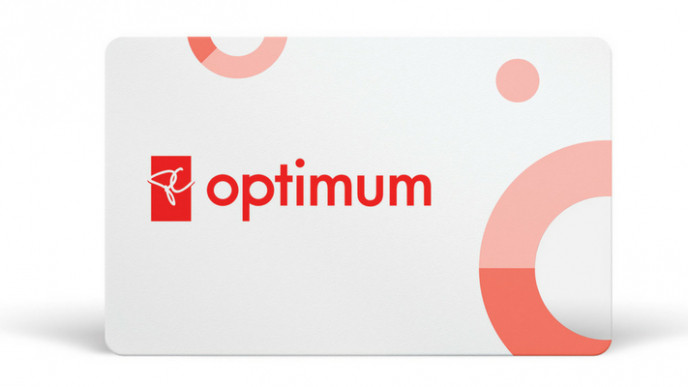
Keep your physical PC Optimum card with you. This might seem pretty basic, but it's a good practice to make sure you know where your card is at all times. Don't loan it out to people and keep it somewhere safe in your wallet or purse.
Were your PC Optimum points stolen? Do you have any tips for preventing point theft? Let us know in the comments.